mirror of
https://github.com/mr0xb/spritetagger.git
synced 2026-08-27 20:44:56 -04:00

3.5 KiB
3.5 KiB
🎮 Sprite Tagger

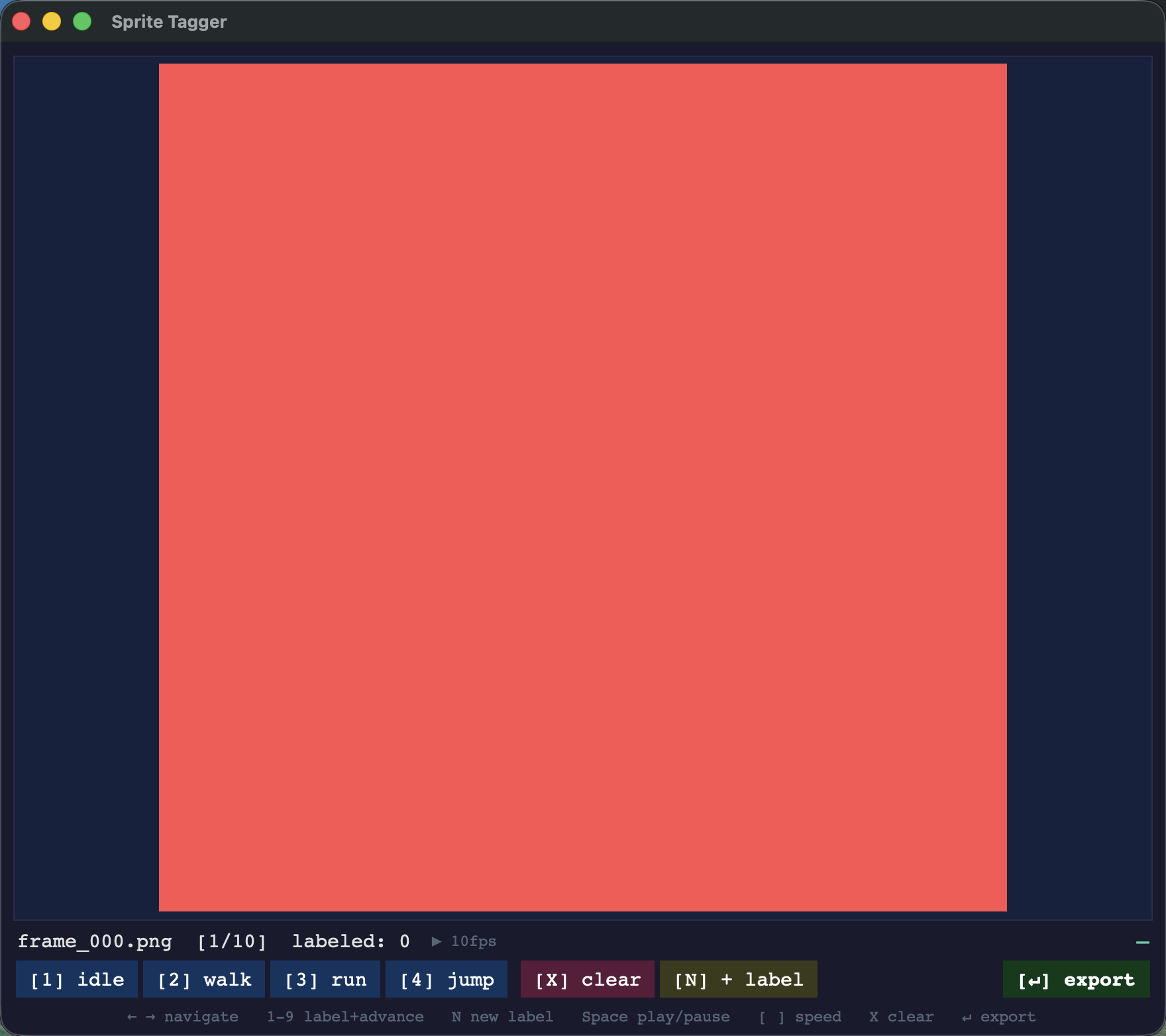
A fast, keyboard-driven tool for sorting sprite animation frames into labeled directories. Load a folder of frames, tag them as idle, walk, run, whatever — then export them into organized subfolders in one shot.



✨ Features
- 🖼️ Pixel-perfect display — small sprites zoom in with nearest-neighbor scaling; transparency shows on a checkerboard background
- ⌨️ Fully keyboard-driven — tag and advance without touching the mouse
- ▶️ Live animation preview —
Spaceplays through all frames;Pplays back only the current frame's label on a loop, so you can confirm a walk cycle or attack animation reads right - 🏷️ Label up to 9 categories — one keypress per tag, auto-advances to the next frame; add new labels on the fly with
N - 📁 Non-destructive — copies originals into labeled subdirectories, leaves your source untouched
- 💾 Autosave & resume — every label is written to a
.sprite_tags.jsonsidecar as you go, so you can quit mid-batch and pick up exactly where you left off - 🎨 Dark theme UI — easy on the eyes during long tagging sessions
🚀 Quick Start
Prerequisites
pip install Pillow
tkinter is included with most Python installs. On macOS with Homebrew:
brew install python-tk
Run it
python sprite_tagger.py /path/to/frames idle walk run jump attack
With a custom output directory:
python sprite_tagger.py ./sprites idle walk run --out ./sorted_frames
⌨️ Controls
| Key | Action |
|---|---|
← → |
Previous / next frame |
1 – 9 |
Assign label and advance to next frame |
Space |
Play / pause all frames |
P |
Play / pause only the current frame's label, looping |
[ ] |
Decrease / increase playback speed (1–30 fps) |
X |
Clear label on current frame |
N |
Add a new label on the fly |
Enter |
Export all labeled frames |
📂 Output Structure
After exporting, your labeled frames are copied into subdirectories named after each label:
output/
├── idle/
│   ├── frame_000.png
│   ├── frame_001.png
│   └── frame_002.png
├── walk/
│   ├── frame_003.png
│   └── frame_004.png
└── run/
    ├── frame_005.png
    └── frame_006.png
If no --out path is specified, output goes to <frames_dir>/labeled/.
🎯 Workflow
- Point it at a directory of exported sprite frames
- Use
←→to step through frames, or hitSpaceto play them back and get a feel for the animation - When you land on a frame you want to tag, press the number key for that label — it tags and jumps to the next frame automatically
- Made a mistake? Navigate back and press the same or different number to reassign, or
Xto clear - Hit
Enterwhen done — a summary dialog confirms what was copied where
🛠️ Supported Formats
.png · .jpg · .jpeg · .gif · .bmp · .webp · .tga
📋 Requirements
- Python 3.9+
- Pillow
- tkinter (standard library, included with most Python distributions)